
Chrome
Download and install the Chrome extension.
Download for ChromeBy continuing, you acknowledge the Tab Sync Privacy Policy.
Server settingsHow it works
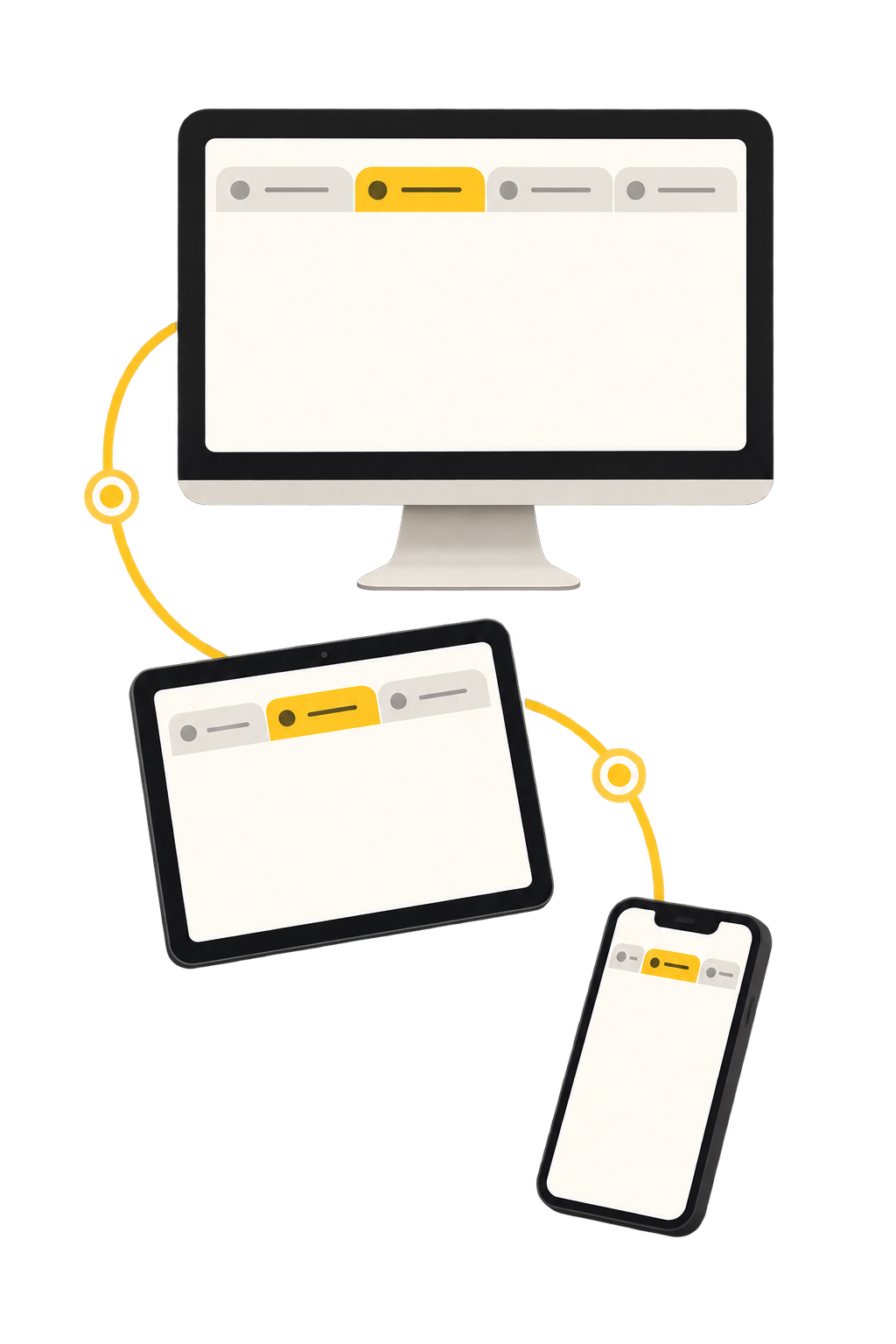
Your tabs need a little place to meet.
Chrome Web Store · Firefox Add-ons · Safari for macOS, iPhone, and iPad
That’s it. Open Tab Sync whenever you need to see your open tabs, neatly gathered from your connected browsers.
Testimonials
“Better than Facebook and X combined. Tab Sync changed my life.”
“Everything my son does is great.”
“Meow meow.”
FAQ
Tab Sync syncs the URLs, titles, and state of your regular open tabs and recent navigation, so it can show them on your other connected browsers. Private and incognito tabs are excluded. We do not read page contents, passwords, or form fields.
Yes. Tab Sync is open source and built to run on your own server. The repository includes the app, extensions, and deployment guidance to get you running.
Currently, there isn’t one. Tab Sync is free to use. We may introduce a paid plan later, but anyone using Tab Sync before that happens will be grandfathered in.
Chrome and Firefox have store extensions. Safari is available from the extensions repository, including projects for macOS, iPhone, and iPad.
No. Tab Sync is deliberately read-only: it lets you find and open tabs from another browser without rearranging anything where you are.
Next step
Choose the browser you want to connect to Tab Sync.
Need help? Ask on GitHub or email tabsync@nkson.com.
Devices
No devices have reported state yet.
No open tabs were captured for this device.
No history events have loaded for this device.
| Time | Website URL | Website title |
|---|
This deletes its synced data and signs the browser extension out.